JCDecaux

Infocus – Guides (v1–v5)

1. Scope and Asset Types

This guide defines exterior cleaning, screen cleaning, vent/air-path maintenance, basic filter work and support/escalation for all Infocus products, revisions v1–v5.

1.1 Asset types by revision

  • Infocus v1–v3: MRI-based digital LCD screens with a sensitive polarisation filter. Minor hardware iterations, but the same cleaning and handling rules apply across v1–v3.
  • Infocus v4–v5: LG 86" LCD screens with protective glass (bonded/non‑bonded, possibly anti‑reflective).
If the revision or screen type is unknown, treat the digital glass as MRI-based and apply the conservative MRI cleaning regime used for Infocus v1–v3.
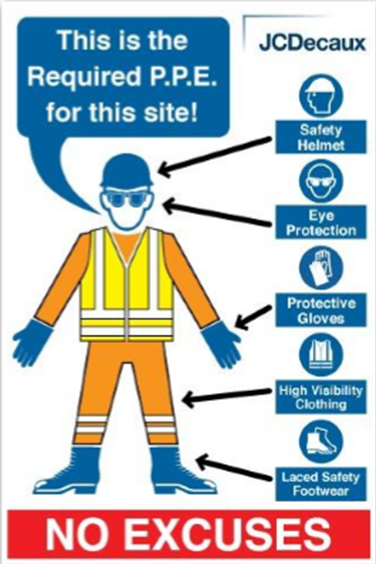
2. Safety, PPE and General Rules

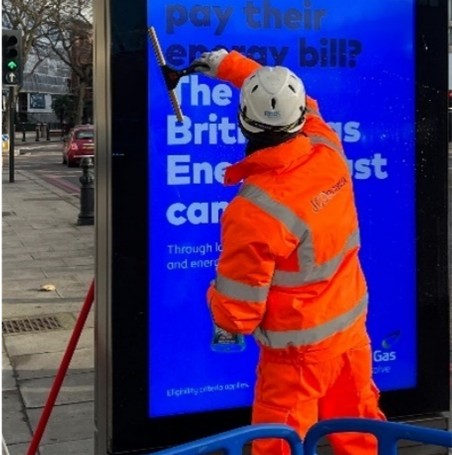
2.1 Mandatory PPE

  • High-visibility vest and high-visibility trousers.
  • Work gloves (suitable for handling rubbish and sharp objects).
  • Eye protection.
  • Safety footwear.
  • Bump cap or hard hat when working at height.
PPE

2.2 Site safety and access

  • Barrier off the area to protect pedestrians and traffic.
  • Ensure stable footing and safe access around the unit.
  • Use a step-up box or ladder for canopy, top surfaces and high vents.
  • Follow local rules on lone working and two-person teams.

2.3 Electrical safety

  • For external-only cleaning (structure, canopy, glass), you may work with power on if no internal covers are opened.
  • For any work exposing internal components (filters, internal vents, fan blocks), isolate power using local procedures.
  • Never bypass interlocks or safety switches.

2.4 General cleaning rules

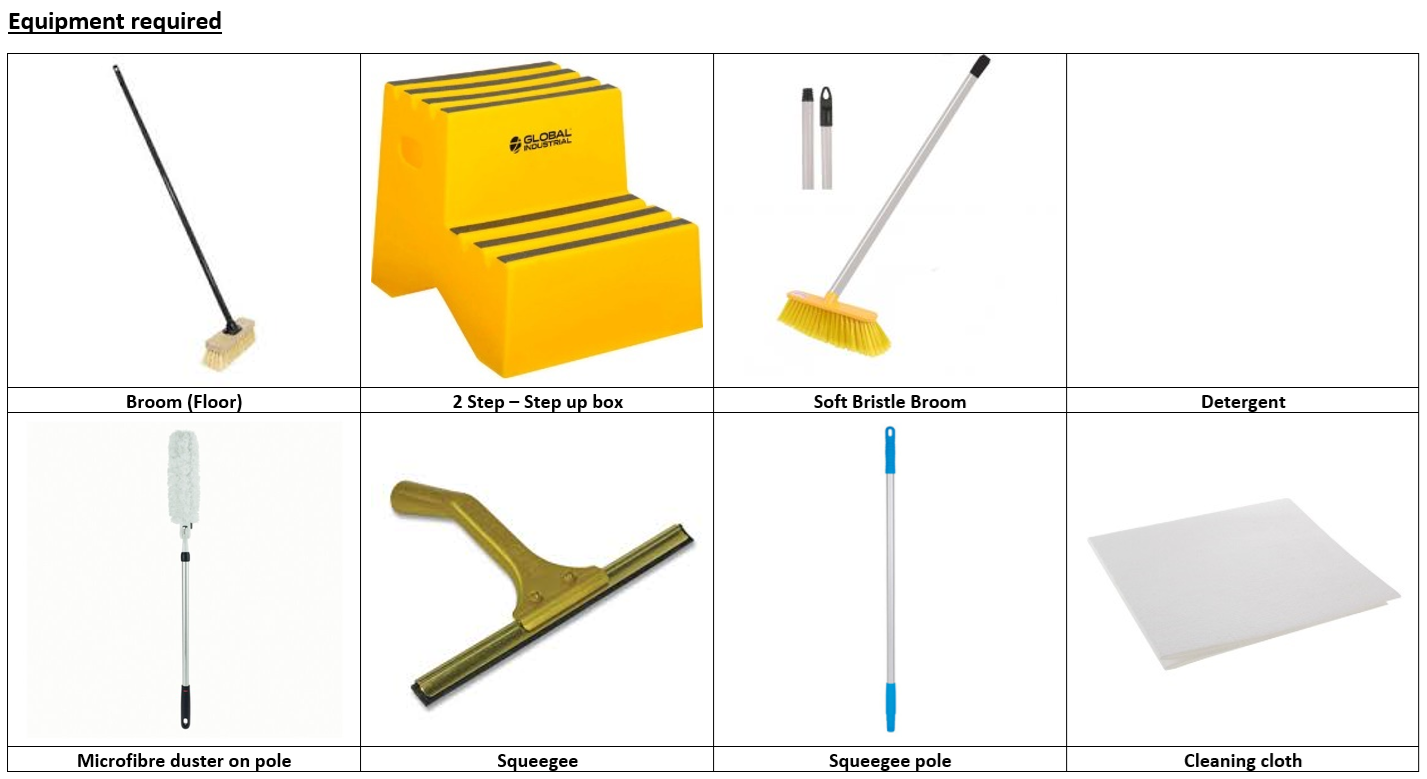
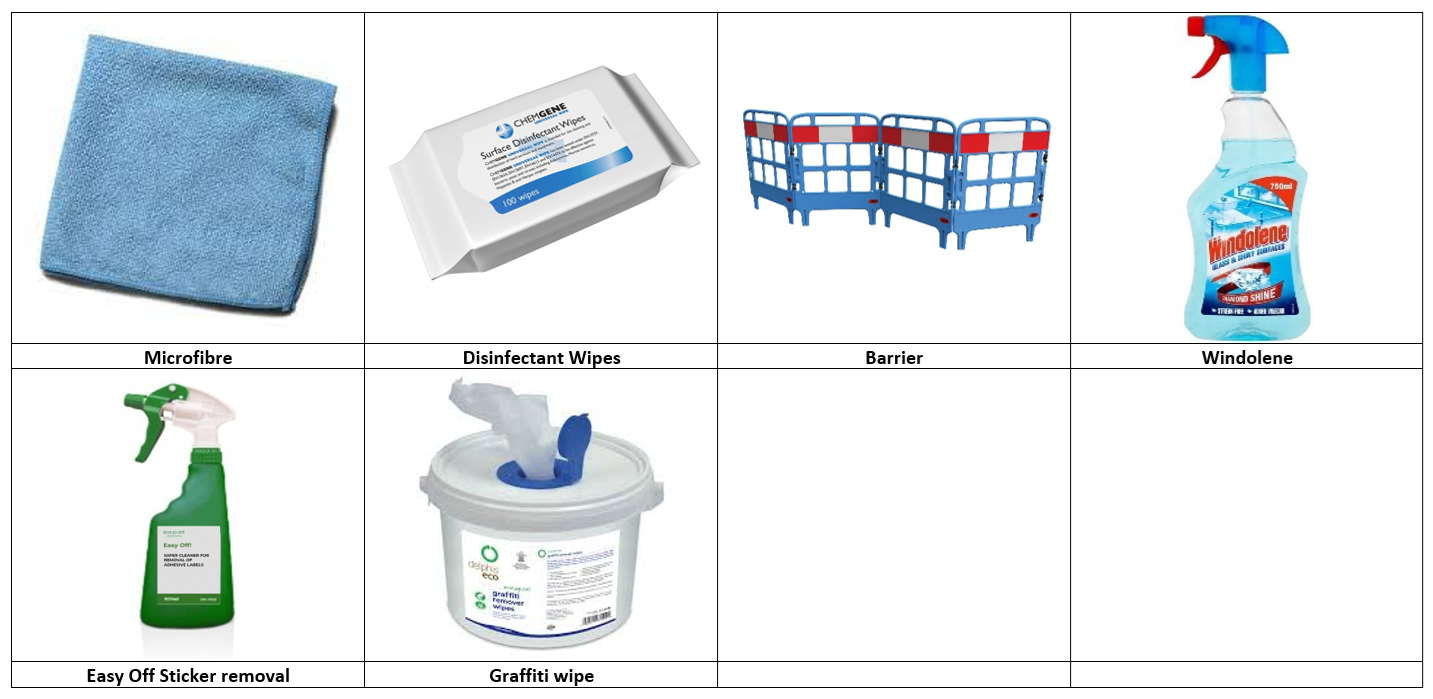
  • Use only the tools and materials listed in this guide.
  • Never use abrasive pads, steel wool, strong solvents or high-pressure water jets.
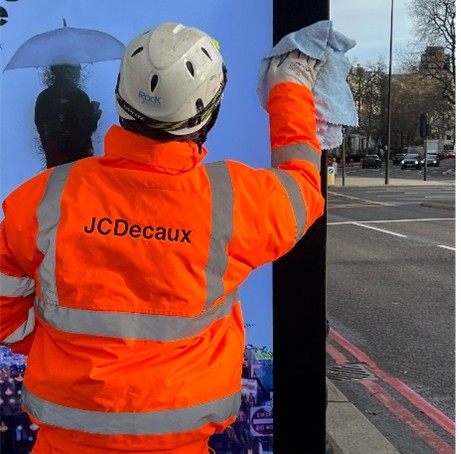
  • Use soft microfibre cloths on glass and sensitive surfaces.
  • Do not allow liquids to run into vents or joints.
  • Ensure all cleaned surfaces are dry before leaving site.

2.5 "Never" safety reminders

  • Never put your hands where your eyes can’t see.
  • Never leave doors, covers or access hatches unsecured at the end of a visit.
  • Never leave broken glass or sharp edges accessible to the public.

2.6 Documentation and device checks on site

  • Have your ID badge or contractor pass visible if required by local rules.
  • Ensure you can access the digital work order or task details on your device (phone/tablet).
  • Confirm you can access emergency/emergency support numbers stored in your phone, in case you need to escalate quickly.
  • If the site requires a permit-to-work or sign-in (e.g. at transport hubs), complete this before starting any physical work.
Step image